AI BOOK COVER GENERATOR
Five cover directions in 30 seconds.
A print-ready wrap by lunch.
Most cover tools stop at a pretty picture. CoverNice lays out the whole paperback — back, spine and front on one canvas, with the spine computed from your actual page count and paper — and exports the file KDP will accept the first time.
Covers made with it
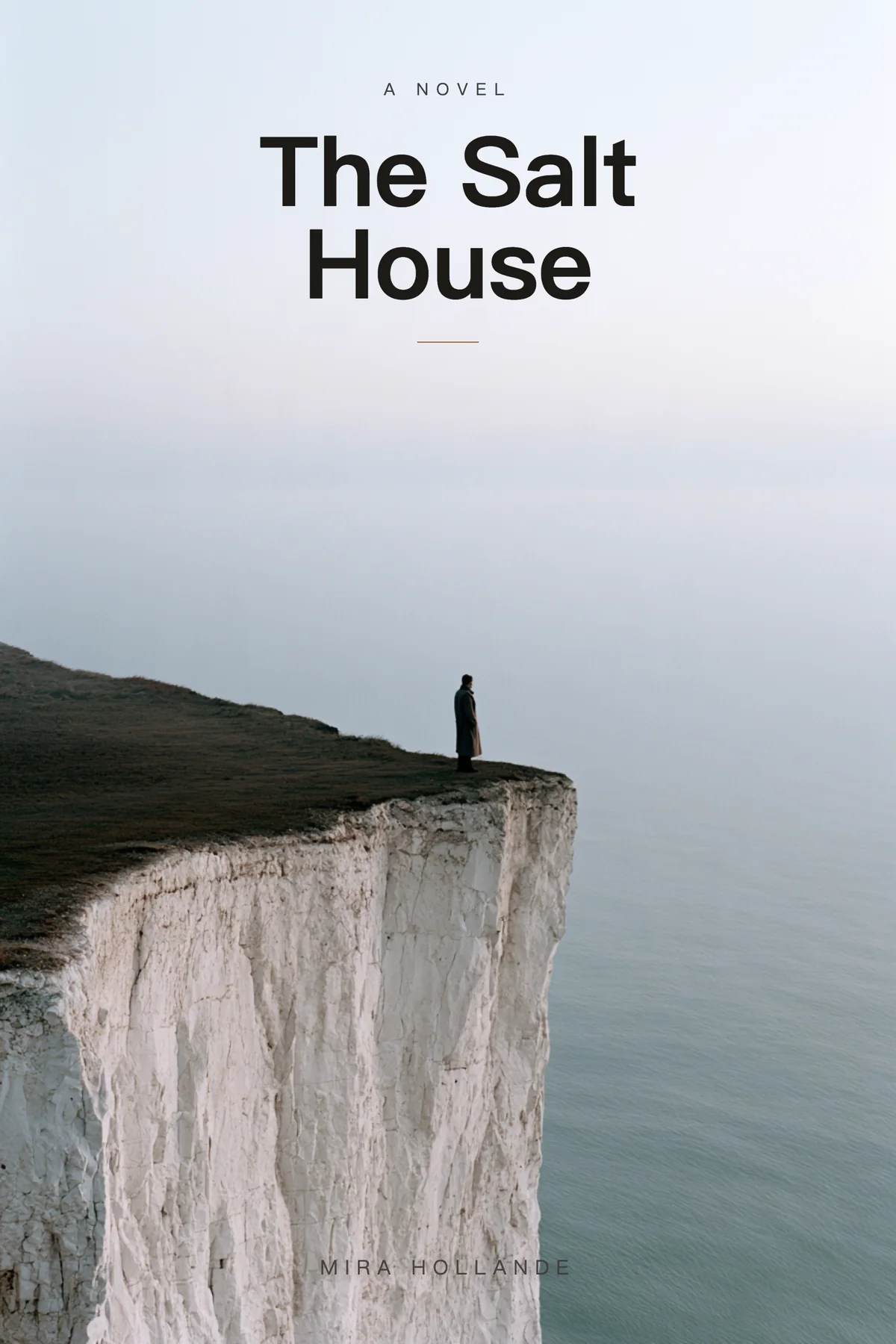
Artwork generated, typography set as live text — not lettering baked into the pixels. That is what makes the title editable and the export sharp.



How it works
No design software, no template hunting, no guessing the spine.
Describe the book
Title, author, one line of blurb. Optionally pick a genre and a reference for art direction — the reference steers style only, never copies the layout.
Pick a direction
Five text-free artwork directions, all composed with a calm zone where type will sit. Choose one, then set the title, subtitle and author as real editable text.
Export the wrap
Enter page count, trim size and paper. CoverNice recalculates the spine, adds 0.125 in bleed and 0.25 in safe area, and exports a 300 dpi print PDF.
The part everyone else skips
A cover generator gives you a front image. KDP does not print front images — it prints a wrap: back cover, spine and front cover as one file, with the spine width determined by page count and paper stock. Get that number wrong and the file is rejected, or worse, printed with the title wrapping around the spine.
So the arithmetic is not a footnote here, it is the product. Spine = pages × paper thickness (0.002252 in for black & white on white, 0.0025 in for cream, 0.002347 in for premium color). Wrap width = trim × 2 + spine + 0.25 in of bleed. Below 100 pages the spine is too thin for legible type, and CoverNice will refuse to set it rather than let you find out at proof time.
If you only want the numbers, they are free and require no account: KDP cover calculator · cover size chart · spine width table · template specs.
Who it is for
First-time self-publishers
You have a manuscript and no designer. You need something that looks deliberate and passes KDP's file checks on the first upload.
Authors with a series
Same trim, same paper, eight books. Change the page count and the spine reflows; the type system stays consistent across the series.
Designers who need a fast comp
Five directions in half a minute to show a client, then rebuild the chosen one properly with real type and the correct wrap.
Questions
Is the exported file really print-ready?
Yes — a single PDF, 300 dpi, with 0.125 in bleed on every outside edge, 0.25 in safe area from trim, and the barcode zone kept clear on the back. Always run KDP's own previewer before publishing; we match its published spec, we do not replace it.
Can I edit the title after generating?
The artwork is generated without any lettering, and the title, subtitle and author are set as live text in the browser. So yes — retype, resize, change the font, and the export reflects it. Nothing is baked into the image.
What about the spine for a 250-page book?
250 pages of black & white on white paper is 250 × 0.002252 = 0.563 in. On cream it is 0.625 in. The calculator does this instantly, and the wrap canvas recalculates both panels when you change the number.
Do I need a subscription?
No. Credits are prepaid and never expire. A set of five cover directions costs 4 credits; the print-wrap export costs more only when you actually export.
Is the artwork AI-generated?
The base artwork is generated, the typography is not — it is set as real text with real fonts. If you need a fully hand-illustrated cover, this is not a replacement for an illustrator; it is a replacement for a bad Canva template at 2 a.m.
Twelve credits, no card, no subscription.
Enough for two full rounds of directions. If the spine is wrong, the tool tells you before KDP does.